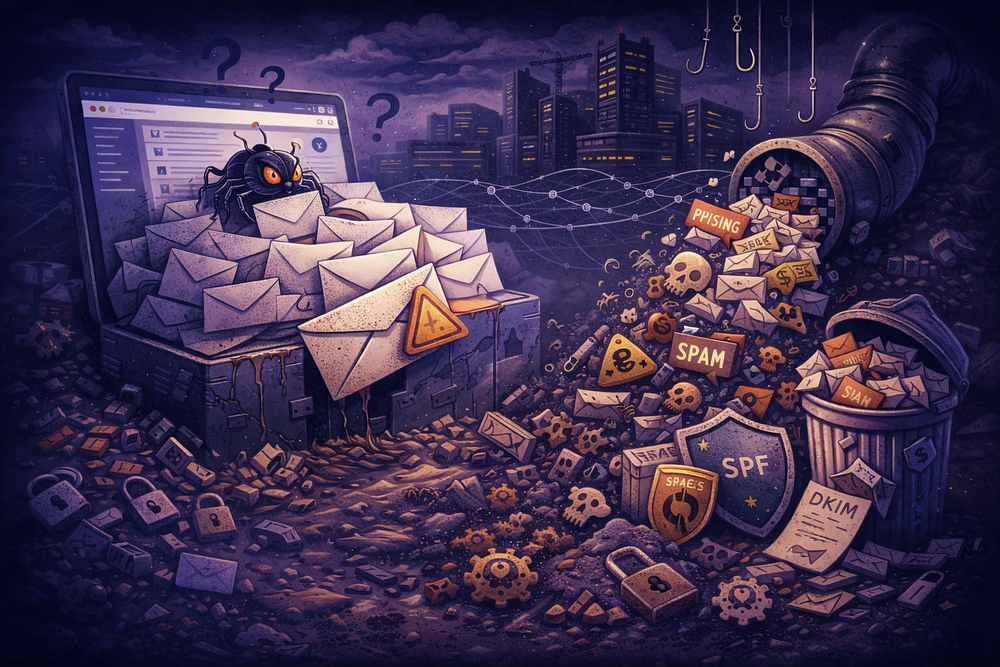
In the early days of the web, a catch all email setup was standard practice. It was the digital equivalent of a wide net: if someone made a typo — sending a message to sals@yourdomain.com instead of sales@ — the server would catch it and drop it in your lap. You didn’t miss a lead, and you didn’t have to manage a dozen specific aliases.
For a solo founder setting up their first domain, this still feels like the logical move. It promises safety. It promises that you won’t miss “The Big Deal” because of a misspelled keystroke.
But in 2026, the internet is not a friendly village; it is a hostile environment.
Enabling a catch all email today transforms your domain from a closed, secure system into an open intake valve for the world’s garbage. For Managed Service Providers (MSPs) and growing businesses, what starts as a “convenience” almost always ends as an operational nightmare — destroying domain reputation, burying legitimate mail, and creating security holes that bypass your expensive filters.
This guide explains exactly how the catch-all mechanism works at the protocol level, why it breaks modern authentication (SPF/DKIM/DMARC), and how to architect your email system so you don’t need it.
What Catch-All Is
At its core, a catch all email (technically known as a “wildcard” or “accept-all” policy) changes how your Mail Transfer Agent (MTA) handles the RCPT TO command during an SMTP transaction.
The Standard Way (Secure):
- Sender connects and says: RCPT TO: <ghost@yourdomain.com>
- Your server checks its directory (LDAP/Active Directory).
- It sees no user named “ghost.”
- It immediately replies: 550 User unknown.
- The connection closes. No data is transferred. The sender knows they messed up.
The Catch-All Way (Insecure):
- Sender connects and says: RCPT TO: <ghost@yourdomain.com>
- Your server ignores the directory check.
- It replies: 250 OK.
- It accepts the message body, attachments, and payload.
- It routes the email to a designated “bucket” mailbox.
Why Do Operators Still Do This?
If the risks are real, why is this feature still popular? It usually comes down to two drivers: Fear and Money.
1. The SMB “Fear of Missing Out”
For a small business owner, every lead counts. The fear that a potential client might type info@ instead of contact@ drives them to open the floodgates. They view the catch-all as an insurance policy against human error.
2. The “Per-User Tax” Evasion
This is the big one. Major providers like Google Workspace and Microsoft 365 charge per user (often $6–30/month).
- The Problem: You need addresses for support@, billing@, jobs@, and marketing@.
- The Cost: Creating four separate user accounts costs ~$24–120/month.
- The Hack: You create one user (admin@) and enable a catch-all. Now you receive mail for all those addresses for the price of one seat.
The TrekMail Reality Check: This is a pricing problem, not a technical one. You shouldn’t have to compromise security to save money. TrekMail uses a flat-rate, pooled storage model. You can create 50 legitimate mailboxes or aliases without paying a cent more. We built this specifically so you don’t have to rely on dangerous hacks like catch-alls just to keep your monthly burn rate down.
The 5 Risks That Appear in Production
When you enable a catch all email, you are effectively telling the internet, “I will accept anything you throw at me.” Spammers and attackers will oblige. Here is what happens to your infrastructure when you flip that switch.
1. The Noise Flood (DHA and Spam Amplification)
Spam filters operate on probability and volume. Attackers use “Directory Harvest Attacks” (DHA) to map valid users on a domain. They blast millions of common prefixes (admin, david, invoice, hr) at your server.
- Without Catch-All: Your server rejects the invalid guesses at the edge. The attacker’s script sees a wall of 550 errors and moves on to a softer target.
- With Catch-All: Your server accepts every single guess.
The Consequence:
Instead of blocking 99% of the noise at the gate, your server ingests it. A domain that usually sees 50 emails a day might suddenly process 50,000. This eats up storage quotas, burns CPU cycles on scanning, and buries your actual client emails under a mountain of Viagra ads and phishing attempts.
2. Spoofing Intake and “Backscatter”
This is the silent killer of domain reputation. It turns your server into an accomplice.
The Attack Chain:
- The Setup: A spammer wants to send junk to victim@gmail.com but doesn’t want to use their own server.
- The Spoof: They send an email to random-gibberish@yourdomain.com (which has a catch-all). They forge the headers so it looks like the email came from victim@gmail.com.
- The Acceptance: Your catch-all accepts the message because it accepts everything.
- The Bounce: Your internal spam filter (or a downstream forwarder) scans the message, realizes it’s trash, and decides to reject it.
- The Crime: Your server generates a “Non-Delivery Report” (NDR) or bounce message. It sends this bounce to the address in the Return-Path — which is victim@gmail.com.
The Result:
You just spammed an innocent person. To Gmail, it looks like your server is harassing their user with unsolicited bounce messages. This is called Backscatter. If you do this enough, your IP address lands on blocklists like ips.backscatterer.org, and your legitimate business emails start going straight to the Junk folder.
3. Routing Ambiguity (The “Who Owns This?” Problem)
In a multi-user environment, a catch-all creates operational chaos.
- An email comes in for partnerships@company.com.
- It lands in the catch-all bucket.
- Who checks it? The CEO? The Sales VP? The Office Manager?
Usually, the answer is “everyone and no one.” Critical alerts sit unread for weeks because everyone assumes someone else handled it. By the time you find the email, the deal is dead.
4. The Support Burden (MSP Nightmare)
For agencies managing 50+ domains, catch-alls are a guaranteed ticket generator.
- Ticket: “My email is slow/full.” (Cause: Catch-all bucket hit the 50GB limit with spam).
- Ticket: “I’m getting too much junk.” (Cause: Catch-all bypassing edge filters).
- Ticket: “I can’t find the email from the client.” (Cause: It’s buried on page 400 of the catch-all inbox).
Disabling catch-alls and forcing clients to use specific aliases reduces ticket volume by 30–40% in our experience.
5. Compliance and GDPR Liability
This is often overlooked until legal gets involved.
- GDPR Article 5(1)©: Data Minimization. You should only collect data you need. A catch-all collects everything, including unsolicited PII (Personally Identifiable Information) from random strangers.
- Right to Erasure: If a user demands you delete their data, how do you find it? It’s needle-in-a-haystack work searching through a catch-all mailbox containing 500,000 spam messages.
- HIPAA: If you are in healthcare, a catch-all is a breach waiting to happen. A patient might email doctor@ with sensitive health info. If that lands in a catch-all accessible by IT staff or admins, you have an unauthorized disclosure.
How to Keep Control (Guardrails)
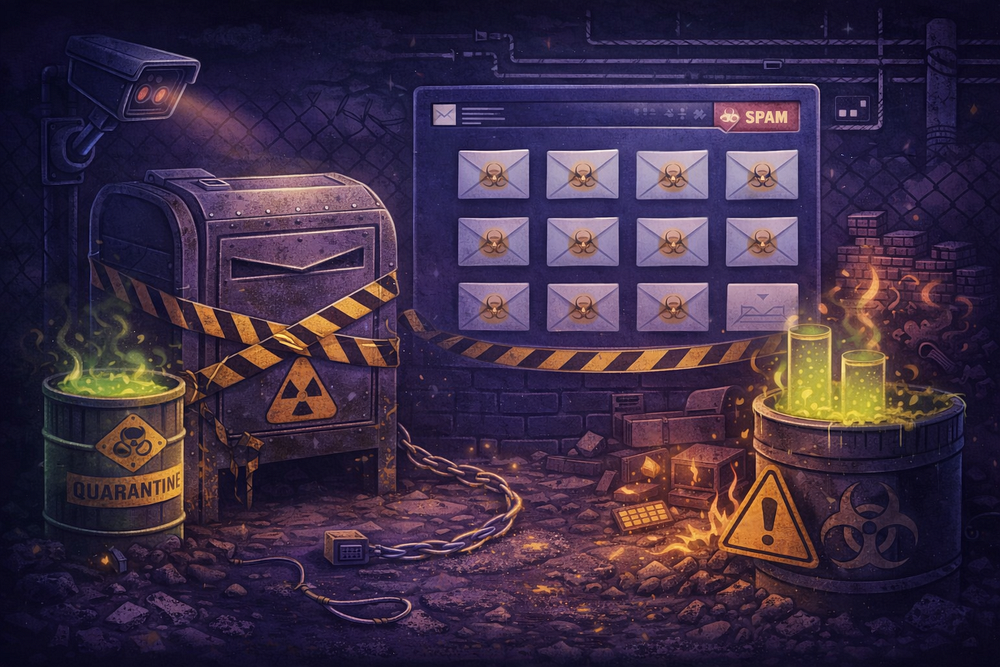
If you have read the risks and still decide that a catch all email is necessary for your business case, you must implement strict guardrails. Do not simply route it to your primary inbox.
Strategy A: The “Quarantine Sink”
Never deliver catch-all mail to a human’s inbox directly. Treat it as radioactive material.
- Create a Dedicated Mailbox: Set up catchall-quarantine@yourdomain.com. Do not give this mailbox “Send As” rights.
- Set a Transport Rule: Configure your mail server to route all unknown recipients to this mailbox.
- Mark as Spam: In Microsoft 365, set the SCL (Spam Confidence Level) to 9 for all traffic hitting this rule. This forces it into the Junk folder or Quarantine, preventing it from triggering mobile notifications.
- Review Protocol: Do not monitor this live. Check it once a week, or only when a client says, “I sent it to the wrong address.”
Strategy B: Microsoft 365 Specifics (DBEB vs. Internal Relay)
If you are on Exchange Online, you have a specific architectural trade-off to manage.
- Authoritative Mode: This enables DBEB (Directory-Based Edge Blocking). Microsoft rejects invalid recipients at the network edge. This is secure and cheap on resources.
- Internal Relay Mode: To make a catch-all work, you usually have to switch the domain to “Internal Relay.” This disables DBEB.
The Risk: When you turn off DBEB, Microsoft’s servers must accept and process every single message sent to your domain before your Transport Rules can act on them. During a massive spam attack, this can throttle your tenant or cause processing delays for legitimate mail.
Strategy C: Partial Wildcards
Some advanced mail systems (like Postfix or specialized routing appliances) allow “partial” catch-alls.
- Instead of *@domain.com, you configure sales-*@domain.com.
- This allows you to use disposable addresses like sales-q1@domain.com or sales-webinar@domain.com.
- It blocks admin@, hr@, and other high-risk targets while giving you the flexibility you need for marketing tracking.
How Catch-All Interacts with Forwarding and Aliases
The most common “hack” we see is the Catch-All Forwarder.
- The Setup: A user buys a domain, sets up a catch-all, and forwards everything to their personal Gmail (myname@gmail.com).
- The Expectation: “I’ll manage my business from my personal inbox.”
- The Reality: You will lose mail, and you won’t know why.
The “New Hop” Problem
When you forward an email, you are technically re-sending it.
- Sender (Bank of America) sends to You.
- You forward to Gmail.
To Gmail, the connection is coming from Your IP, but the email says it’s from Bank of America.
- SPF Check: Gmail checks Bank of America’s SPF record. It does not list your personal server’s IP. SPF Fails.
- DMARC Check: Because SPF failed, DMARC relies on DKIM. If your forwarding server modified the subject line (e.g., adding [External]) or the body (adding a footer), the DKIM signature breaks. DMARC Fails.
When DMARC fails for a bank or large provider, the email disappears. It doesn’t go to spam; it is silently dropped.
For a deeper understanding of how to manage identities without breaking authentication, read our guide on Email Alias: What It Is, When to Use It, and How to Set It Up on Your Domain.
If you are struggling with forwarding chains specifically, see Email Forwarding: How It Works, How to Set It Up, and How to Fix It When It Breaks.
Where SRS Becomes Relevant

If you are forced to forward catch all email externally (e.g., during a migration or for a specific legacy workflow), you cannot rely on standard forwarding. You need SRS (Sender Rewriting Scheme).
What is SRS?
SRS is a protocol designed to patch the SPF failure described above. It “rewrites” the envelope sender address to one that your domain controls.
- Original Envelope Sender: alice@example.com
- Rewritten Envelope (SRS): SRS0=hash=timestamp=example.com=alice@your-forwarder.com
Why this helps:
When Gmail receives this forwarded message, it checks the SPF record for your-forwarder.com. Since you control that domain and its IPs, SPF Passes.
The Limits of SRS (It’s Not a Silver Bullet)
SRS fixes the SPF check, but it creates a new problem: Alignment.
- Header From: Still says alice@example.com (what the user sees).
- Envelope From: Now says your-forwarder.com (the SRS address).
DMARC requires “Alignment” — meaning the Header From and Envelope From must match (or at least share a root domain). With SRS, they do not match.
This means DMARC will still fail unless the original DKIM signature is preserved and valid. If your forwarder modifies the message in any way (stripping attachments, adding disclaimers), DKIM breaks, and the message is lost.
The Role of ARC (Authenticated Received Chain)
To truly fix this in 2026, you need ARC. ARC allows your forwarding server to “vouch” for the email. It adds a cryptographic seal saying, “I checked this email when it arrived, and it was valid. I am forwarding it now.”
Major receivers like Google and Microsoft trust ARC seals from reputable forwarders. If you are running your own Postfix server or using a cheap shared host, chances are you do not have ARC configured correctly, and your catch-all forwarding is silently dropping mail.
Conclusion: The Logical Alternative
The catch all email is a relic. It was built for a smaller, kinder internet. Today, it is a liability that invites spam, ruins domain reputation, and complicates compliance.
Operators usually turn to catch-alls to solve a cost problem (“I don’t want to pay $6/user”) or a management problem (“I don’t want to create aliases”).
There is a better way.
- Define Your Identities: Explicitly create the aliases you need (sales@, support@). This blocks the millions of spam attempts hitting invalid addresses.
- Use Plus Addressing: If you need tracking, use user+newsletter@domain.com. This is RFC-compliant and doesn’t require a catch-all.
- Fix the Pricing Model: If per-user fees are the reason you are compromising security, switch to a host that aligns with your needs.
TrekMail was built for the operator who knows better. We offer Pooled Storage and Flat-Rate Pricing. You can spin up 10, 50, or 100 mailboxes for your team and projects without worrying about the per-seat tax. You get the professional infrastructure of a dedicated suite without the operational risk of a catch-all bucket.
Stop trying to catch everything. Start catching only what matters.
Comments
Post a Comment